
Visual Time Tracking: Transforming Productivity with Bold Insights and Clear Focus
Unstructured time and constant work-from-home distractions destroy your output. You waste hours scrolling, checking emails, or getting sidetracked by household tasks. Focus dwindles, and deadlines loom. It’s time to reclaim your hours.
The Power of Physical & Visual Timers
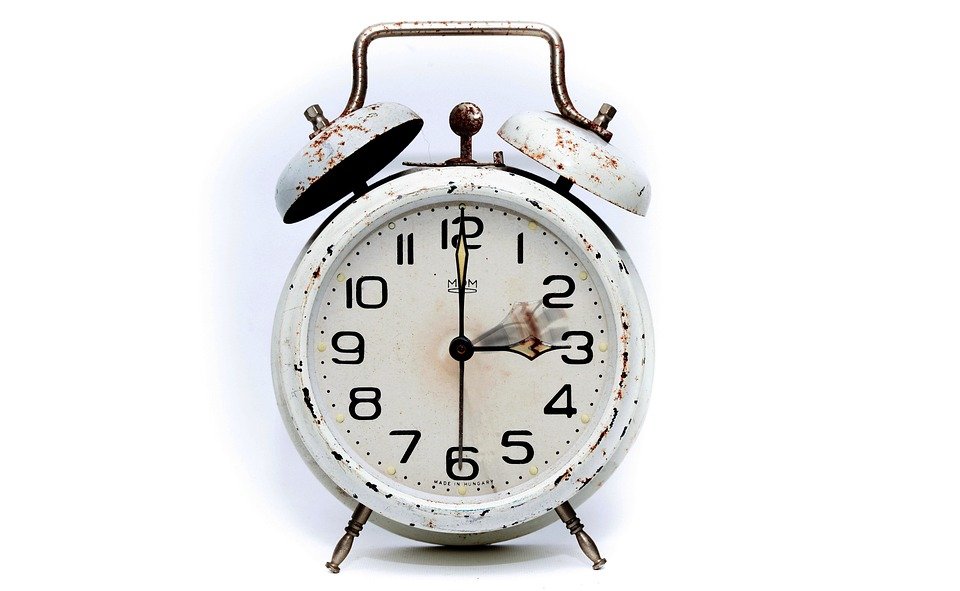
Keep a physical timer on your desk. It creates a visual cue for deep work. Watching the seconds tick can keep you focused and minimize distractions.
Proven WFH Time Strategies
The Pomodoro & Time-Blocking Method
This method breaks your work into intervals. Work for 25 minutes, then take a 5-minute break. Block your calendar for specific tasks, keeping your focus intact.
Task Batching & Priority Rules
Group similar tasks together. Knock out emails, then jump into meetings, or focus on creative work. Prioritize tasks using a simple matrix: urgent vs. important.
Desk Timers & Focus Tools
Use desk timers or apps that limit distractions. Tools like Forest or Focus@Will help you stay in the zone. Designate specific times for checking notifications.
Time Management Pros & Cons
Pros
- Increased productivity and clarity
- Better focus during work blocks
- Improved organization and planning
- Enhanced work-life balance
Cons
- Initial setup requires time
- Can feel restrictive if not adapted
- Requires consistent effort for success
- May lead to burnout without breaks
The Daily Focus Action Plan
Take control of your daily schedule right now. Set your goals, use visual trackers, and implement these strategies. Your hours belong to you—make them count.