
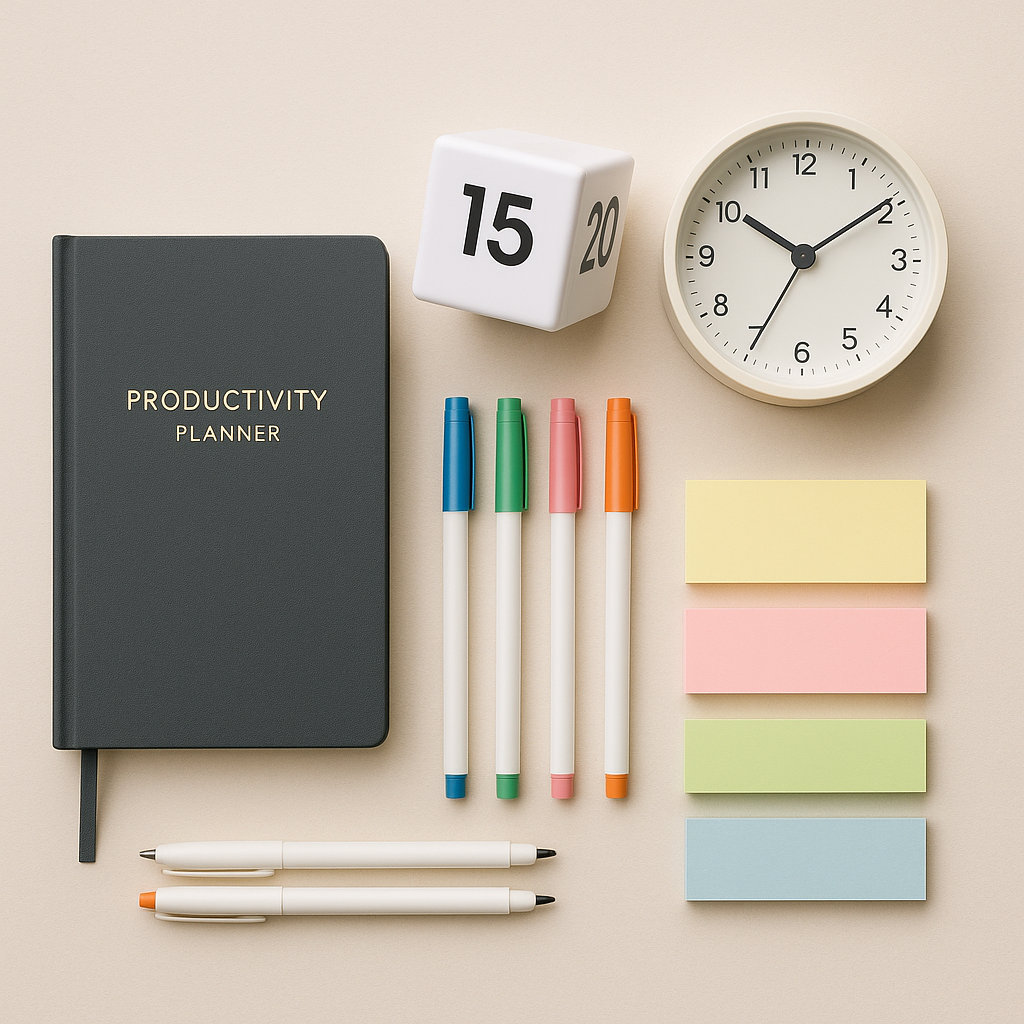
Mastering WFH: 10 Time Management Hacks for Maximum Productivity
Working from home can feel chaotic. Distractions lurk everywhere, eating away at your productivity. These essential hacks streamline your day and sharpen your focus.
Why This Upgrades Your Daily Workflow
Small changes in your workspace boost your efficiency. A decluttered, organized environment keeps distractions at bay. You’ll get more done in less time.
10 Practical Tips for Mastering Time: Essential WFH Hacks for Ultimate Productivity in Your Home Office
Try these actionable tips to enhance productivity in your home office.
1. Anchor Your Power Cables Under the Desk
A tangled mess of cables creates clutter. Use cable organizers to keep them secure and hidden. This simple fix makes your space feel organized and improves focus.
2. Set Up a Dedicated Work Zone
Designate a specific area solely for work. This helps your brain associate that space with productivity. Keep it free from distractions like leisure items or personal clutter.
3. Use Noise-Canceling Headphones
Block out distractions with noise-canceling headphones. Play instrumental music or white noise to enhance focus. Create a sound environment that signals work mode.
4. Implement a Timer for Focus Sessions
Use the Pomodoro Technique: work in short bursts followed by breaks. Set a timer for 25 minutes of work, then take a 5-minute break. This boosts energy and prevents burnout.
5. Prioritize Your Daily Tasks
Start each day by identifying your top three tasks. Tackle the most critical ones first. This keeps you focused and ensures important work gets done.
6. Keep Healthy Snacks Nearby
Stock your home office with healthy snacks. Nuts, fruits, and yogurt keep your energy up without the sugar crash. This helps you maintain focus throughout the day.
7. Organize Your Digital Files
Sort digital files into labeled folders. A cluttered desktop slows down productivity. A well-organized digital space speeds up access to important documents.
8. Set Boundaries with Family or Roommates
Communicate your work hours clearly with others in your home. Use a “do not disturb” sign when needed. This sets expectations and minimizes interruptions.
9. Keep Your Workspace Well-Lit
Ensure your workspace has ample light. Natural light works wonders for mood and focus. Use desk lamps to brighten darker areas, especially during gloomy days.
10. Schedule Regular Breaks to Move
Set regular times to stand, stretch, or take a short walk. Physical activity boosts productivity and helps re-energize your mind. Stay active to keep your creativity flowing.
Quick Summary Checklist
- Anchor your power cables under the desk.
- Set up a dedicated work zone.
- Use noise-canceling headphones.
- Implement a timer for focus sessions.
- Prioritize your daily tasks.
- Keep healthy snacks nearby.
- Organize your digital files.
- Set boundaries with family or roommates.
- Keep your workspace well-lit.
- Schedule regular breaks to move.
The Bottom Line
Start with anchoring those power cables. It’s a small step that makes your workspace feel instantly organized and efficient.