
Declutter Your Workspace: Transform Your WFH Desk from Chaos to Clarity
Why This Upgrades Your Daily Workflow
A clean and organized desk makes your daily tasks smoother. Removing clutter helps you concentrate and minimizes distractions. You’ll find it easier to stay on track.
10 Practical Tips for Clearing the Chaos: Transform Your Work-from-Home Desk into a Productive Oasis
Here are ten straightforward tips to clear your desk and enhance your work environment.
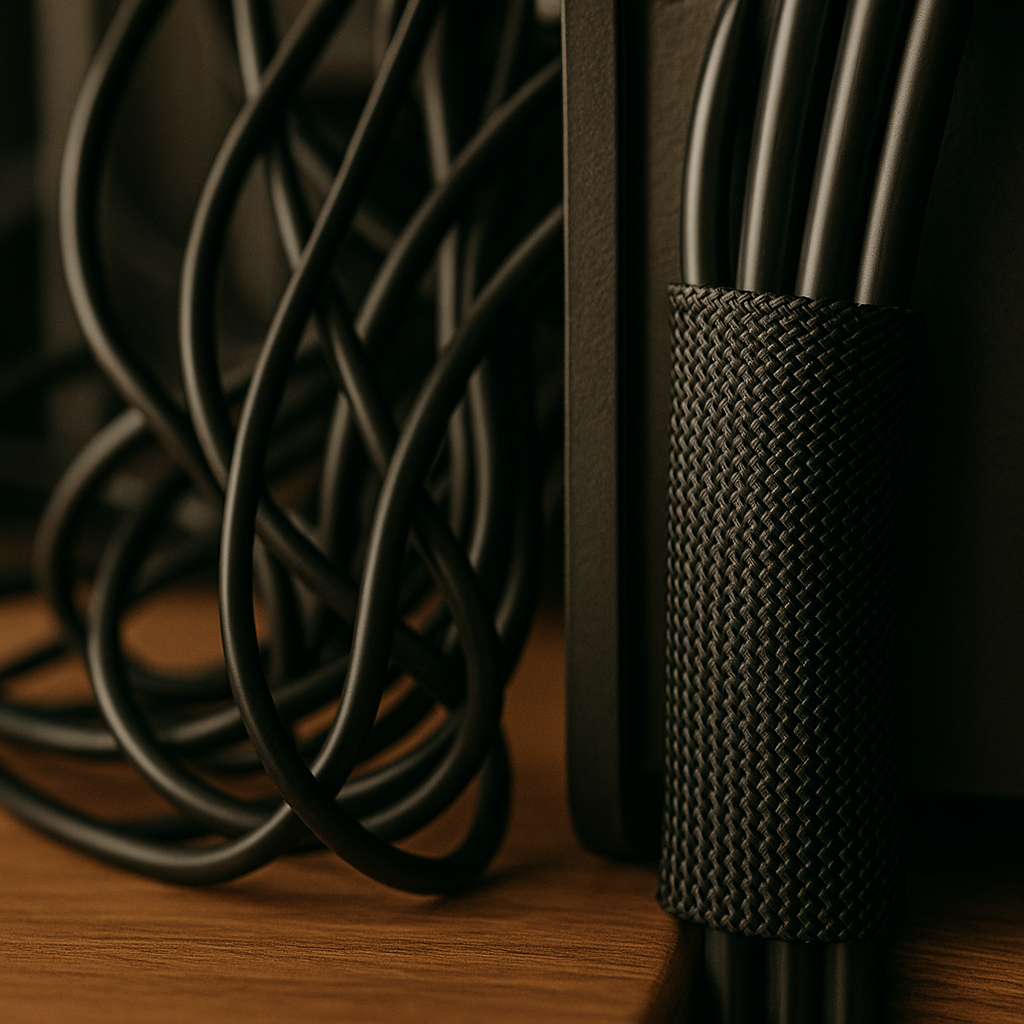
1. Anchor Your Power Cables Under the Desk
Messy cables create visual clutter. Use adhesive cable clips to secure them along the underside of your desk. This keeps your workspace tidy and organized.
2. Invest in a Good Desk Organizer
A desk organizer helps you sort supplies efficiently. Choose one with compartments for essential items. This way, everything has a designated spot.
3. Declutter Regularly
Set aside a few minutes each week for decluttering. Toss or donate items you no longer need. A clean workspace boosts your motivation.
4. Personalize Your Space
Add a few personal touches like photos or plants. These make your workspace inviting and relatable. Just avoid overcrowding the surface.
5. Optimize Lighting
Good lighting enhances focus. Use a desk lamp with adjustable brightness. Natural light works wonders, so position your desk near a window.
6. Limit Your Desk Items
Stick to essentials only. A keyboard, mouse, and notepad should suffice. Fewer items mean less distraction and a clearer mind.
7. Use Vertical Space
Install shelves or pegboards above your desk. Store supplies or decor up high to free up desktop space. Vertical storage maximizes your area efficiently.
8. Keep Only Current Projects in View
Hide completed projects away from your desk. Only display items you’re actively working on. This reduces visual clutter and improves your focus.
9. Create a Daily Reset Routine
Spend 10 minutes at the end of each day organizing your desk. Return everything to its spot and reset for tomorrow. A clean start feels refreshing.
10. Incorporate Ergonomics
Choose an ergonomic chair and adjust your monitor height. Comfort plays a crucial role in productivity. A well-designed workspace prevents discomfort during long hours.
Quick Summary Checklist
- Anchor your power cables under the desk.
- Invest in a good desk organizer.
- Declutter regularly.
- Personalize your space.
- Optimize lighting.
- Limit desk items to essentials.
- Use vertical space.
- Keep only current projects in view.
- Create a daily reset routine.
- Incorporate ergonomics into your setup.
The Bottom Line
Start with anchoring your power cables under the desk. It’s a quick win that instantly reduces visual chaos.