
Maximize Your Productivity: The Ultimate Guide to Dual Screen Setup Workflow
Screen Real Estate & Layout Rules
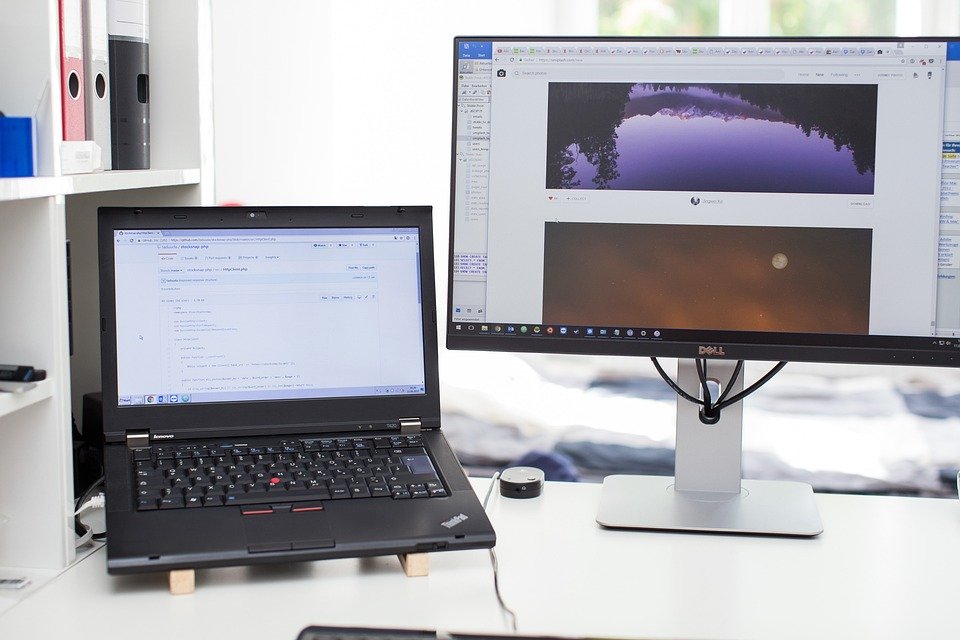
Set your primary apps on the main screen for visibility. Use the secondary screen for supporting tasks. This setup maximizes efficiency and keeps you organized.
Core Digital Optimization Tactics
Clean Desktop & Folder Systems
Keep your desktop tidy. Create organized folders for files you often use. Reduce clutter to work faster without distractions.
Tab Managers & Focus Browsers
Use tab managers to group related tabs. Focus browsers limit distractions—only open what you need. Stay on task and finish projects efficiently.
Dual-Monitor Window Snapping
Utilize window snapping to position apps side by side. This reduces unnecessary clicks and speeds up multitasking. Keep your workflow smooth and streamlined.
Digital Workflow Pros & Cons
Pros
– Increased productivity
– Better task organization
– Easier multitasking
Cons
– Possible hardware costs
– Learning curve for new setup
– Potential for more distractions
The Workflow Summary
Cleaning up your digital screen setup boosts your productivity. Take action now for a clearer, faster work experience.