
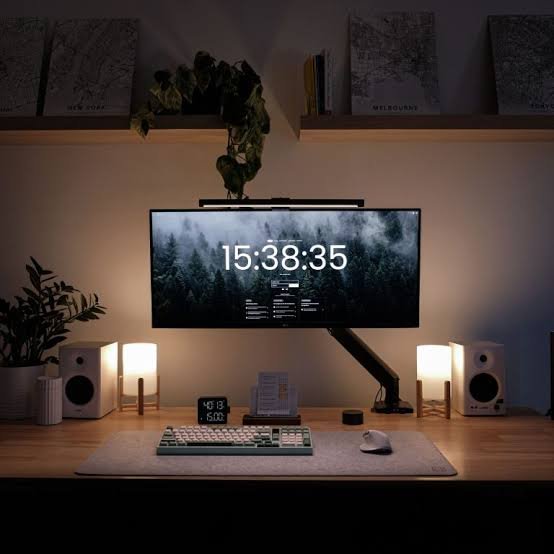
Transform Your Home Office: The Power of WFH Ambient Backlighting
Working from home can lead to serious lighting issues. Eye strain and harsh glare become daily annoyances. Dark video calls can make you look unprofessional. Cluttered desks hinder your productivity. Let’s fix that.
Common Lighting Mistakes to Avoid
Overhead lights can create annoying glare on screens. Desk lamps on cramped surfaces add to the clutter.
Essential Features to Look For
Color Temperature & Dimming
Choose adjustable color temperatures. A warm tone promotes calm, while cool hues keep you alert. Dimmable options let you customize brightness based on tasks.
Desk Footprint & Mounting
Go for sleek designs that fit your workspace. Wall-mounted fixtures save desk space. A compact lamp sits nicely without crowding your area.
Anti-Glare & Eye Care
Look for features that minimize glare. Adjustable angles can help direct light where you need it. Eye-care modes further reduce strain during long hours.
Pros & Cons Checklist
- Pros: Reduces eye strain, enhances video calls, customizable settings, saves desk space.
- Cons: Initial investment, possible learning curve for settings, not all lamps fit all decor.
The Final Verdict
If you’re constantly battling poor lighting while working from home, upgrade your desk lighting now. Better illumination leads to improved focus and a more professional appearance in video calls.